
Construction investigations
Find when an installation reached a particular stage, then bring the walkthrough, inspection record and completion entry into the same timeline.
Industrial and Field Operations
Connect what happens on site with the records that run your operation. VideoVector makes construction footage, production recordings and fulfillment recordings discoverable, comparable and ready for operational review.
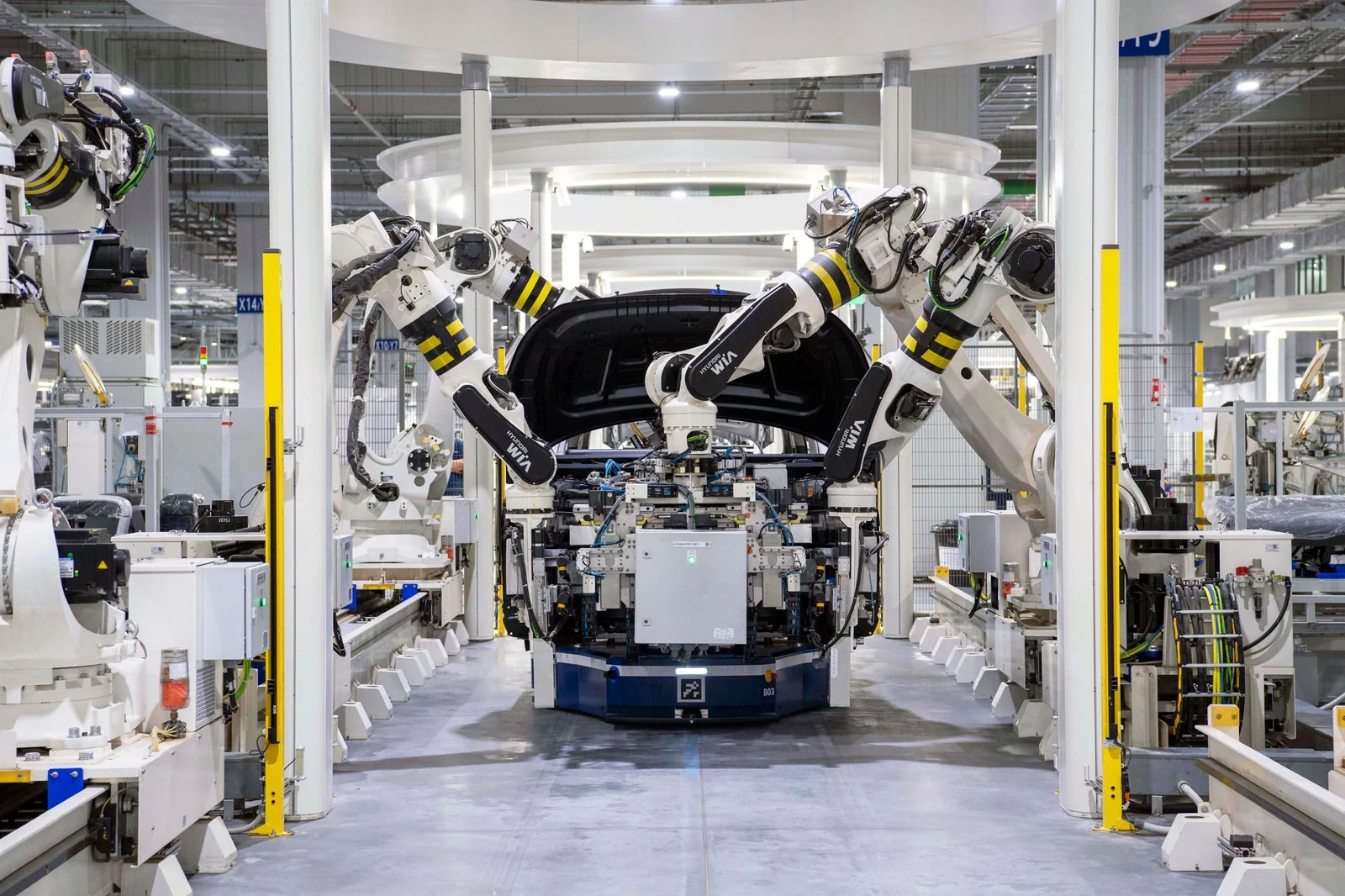
Find the installation, production event or shipment handoff that answers an operational question. Align the footage with your inspection records, machine events and order scans to build a source-linked account.
Align a bottling-line recording with supplied production records to trace bottle presence, review an early clearance entry and prepare a source-linked production brief.
Find when an installation reached a particular stage, then bring the walkthrough, inspection record and completion entry into the same timeline.
Locate the sequence around a stopped machine or failed run and compare it with recorded machine events and batch details.
Follow an order through packing, dispatch, handoff and return, with the corresponding scan and source clip at every recorded step.
Search site walkthroughs, drone footage, inspections, assembly and test recordings, packing sequences and returns by project, location, asset, batch, order or shipment. Retrieve the context around incomplete work, a machine stoppage, a disputed shipment or an incident.
Reconcile recording timestamps with production logs, inspection findings, schedules, scans and task-completion records. Each event retains its evidence, recording coverage and supported, inconsistent or unverified review status so teams can trace the account back to the source.
Review observable steps and site conditions against your procedures. Connect sequence checks, visible hazards and process-integrity observations to the expected condition and the footage that supports each finding.
Assembly footage, supplied procedures and operational records connect four physical stations to required steps, configured safety and integrity conditions, and an inspection-before-release report.
Check the observed installation sequence, milestone inspections and supplied site-safety requirements, then prepare evidence for the supervisor.
Follow a part through the required stations, inspect recorded process conditions and link suggested checks to the approved procedure.
Compare visible items and handling steps with order requirements, producing an evidence trail through the handoff.
Check installation, assembly, testing, packing and handoff steps against supplied prerequisites, specifications and order records. Review PPE, inspection completion and visible outputs, including identifiable packed contents. Adapt criteria to the operating phase, staff role and site zone.
Monitor configured conditions such as unstable loads, material jams, equipment proximity, obstructed routes, smoke, spills, fluid leaks, overflowing containers and unexpected machine movement. Review guards, seals, exclusion zones, foreign material and permitted material mixing.
Connect readable control-panel states and approved settings to your rules. For recorded screens, review designated confidential drawings, recipes and credentials. Attach the rule, observation, location, timestamps and asset, order or batch reference to each result, with relevant machine or sensor logs.
Compare the same location, process, product or shipment across recorded stages. Bring corresponding views together to explain progress, visible condition changes and the evidence behind a handover.
Compare three corresponding truck-bed views from one loading recording, connect visible material transfer to a milestone criterion, and carry the latest compared state into the next loading review.
Review the same work area across dated recordings and attach the corresponding installation and inspection evidence to a milestone summary.
Bring together the recorded condition of a package before dispatch and at return, with the relevant shipment references.
Examine corresponding process stages from two manufacturing runs to locate visible changes worth investigating.
Compare repeated walkthroughs, drone footage, inspections and installation records against baseline and milestone information. Summarize documented progress and carry inspection findings into the next review.
Align item and package condition at packing, handoff and return. Compare successful and unsuccessful production or test runs, assembly states and visible process changes to focus the next investigation.
Connect staffing and visible task participation with schedules, process durations and completed work. Review each performance component with its calculation, source evidence and observation coverage.
A packing workcell assessment distinguishes people present, visible task participation, staffed duration and accepted output, then reconciles supplied schedules and operational records into a break-relief finding with explicit calculations.
Review staffed workstations alongside observed participation in feeding, packing and dispatch, then connect completed work to the production record.
Compare role coverage, recorded task durations and break intervals with the supplied shift schedule.
Inspect an extended process interval alongside the crew assignment and documented outputs to identify the next operational question.
Assess workstation coverage, assigned activities, delays and breaks against supplied rosters, shifts, roles and break policies. Count people present separately from people visibly carrying out a defined task. Use supplied or verified identity mappings for individual reports.
Reconcile observations with task-completion and output records to examine construction milestones, production runs and fulfillment tasks. Component scores retain their rubric and calculation, with coverage and items awaiting evidence visible alongside the result.
Industrial & Field Operations
Start with your source material and the outcome your team needs.
Contact sales Explore all industries