
After-hours equipment movement
Use a yard boundary and closing schedule to surface equipment movement with the preceding activity and relevant camera view.
Physical security & security companies
Give monitoring teams a clear view of what is happening across sites, and give every investigation a traceable path back to the footage.
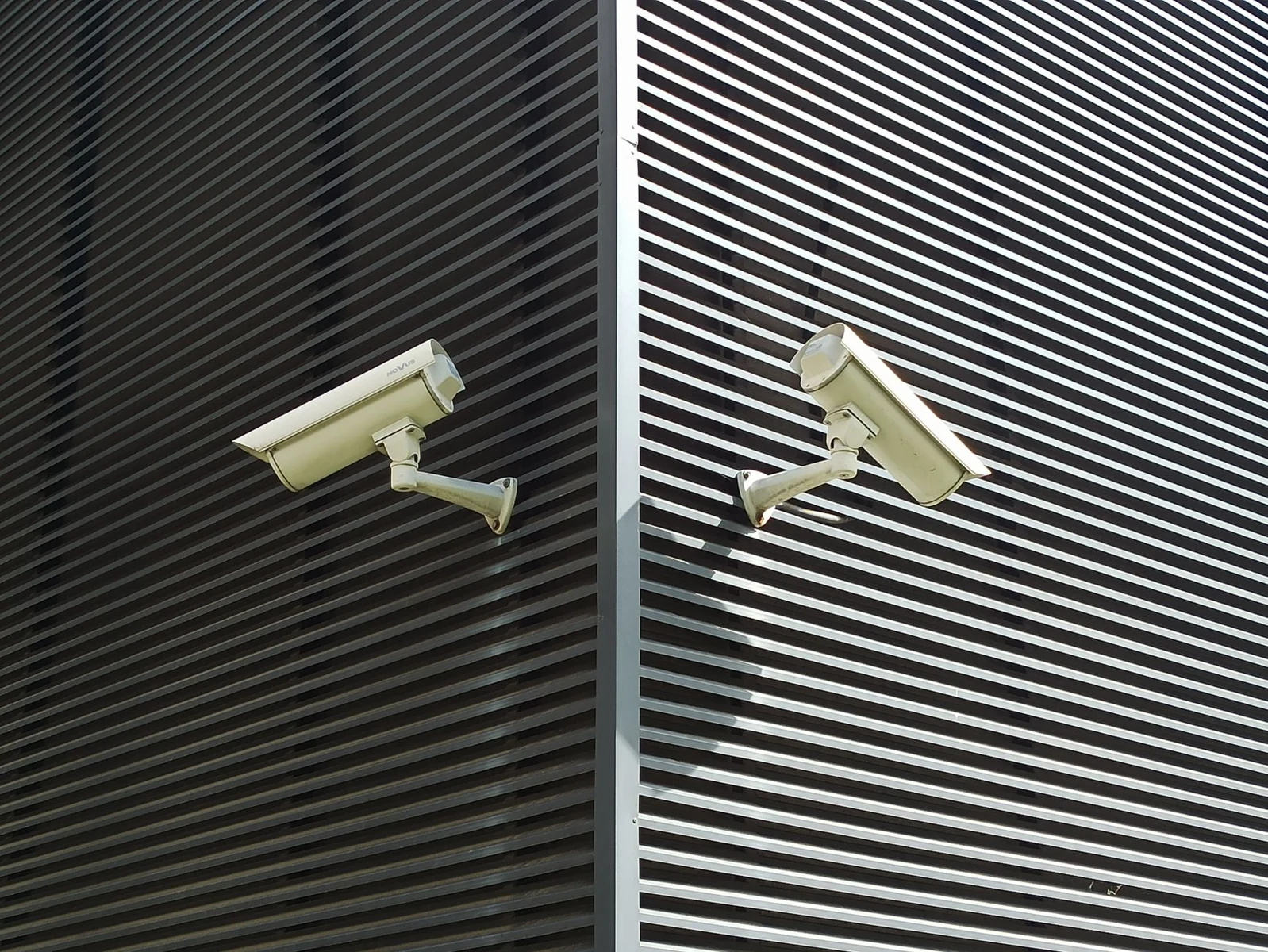
Make every alert specific to the place, time and activity that matters.
A configured packing-floor zone links visible CCTV activity and its source timestamp to a supplied quiet-period rule, producing an operator alert with camera and footage references.
Use a yard boundary and closing schedule to surface equipment movement with the preceding activity and relevant camera view.
Focus an event camera on an exit zone and route a visible-obstruction alert to the monitoring team with its location and clip.
Monitor CCTV, drone and event-security feeds across sites for situations defined by your operations team. Combine visible actions with site zones, opening hours and supplied access rules.
Configure scenarios such as repeated door testing, perimeter climbing, equipment removal after closing, controlled-entrance tailgating, an escalating confrontation or a blocked event exit.
Send a concise situation description with the event time, location and camera references, so an operator can open the relevant footage and decide the next step.
Put the moments around an alarm in the operator’s hands.
A supplied driveway-motion alarm is aligned with road traffic and parked-vehicle context from one recording, with exact source times supporting an operator response briefing.
Review an entrance before and after a door-contact event, retaining the person’s approach and departure for a grounded response.
Open the relevant perimeter view and nearby cameras to describe visible movement and whether it continues beyond the alarm.
Start with an alert from an intrusion sensor, access-control system or existing video analytic. Retrieve footage immediately before and after the supplied alarm time.
Bring nearby CCTV or drone views into the assessment. Summarize people present, observable actions, direction of travel and whether activity continues.
Prepare a timestamped assessment and response briefing with source links. Operators can use the evidence to dismiss, investigate or dispatch according to their procedures.
Build the incident account from the moments that matter.
An entrance recording becomes a chronological investigation report and evidence packet, connecting approach, doorway and later street context to exact source frames and timestamps.
Find when equipment changed position, retrieve the surrounding activity and assemble the relevant views for investigation.
Trace an arrival, doorway activity and departure, then hand off a chronological account with a reference for each observed step.
Search large CCTV archives, recorded drone patrols, event recordings and saved clips by activity and sequence. Find equipment removal, entrance activity or the context around a reported incident.
Retrieve relevant segments, preserve events before and after the focal moment, and arrange verified camera matches in chronological order. Retain each recording’s identity and supplied time alignment.
Prepare a written incident report and supporting clip set with timestamps and source-camera references for investigators, operations teams and client reporting.
Show the work completed and the conditions that need attention.
A supplied patrol schedule and roster connect construction-site route, personnel and checkpoint observations to a service-review ledger, preserving camera identifiers and source times for completion review.
Align a supplied checkpoint schedule with visible visits and response arrivals to prepare a client service report.
Review entry routes, gates and perimeter views against the site checklist and route visible exceptions with their supporting footage.
Compare video-visible guard actions and site conditions with supplied patrol schedules, checkpoint requirements and contracted service commitments.
Review checkpoint visits, staffed posts, opening and closing checks, gates left open, perimeter damage, obstructed access, equipment interference and response arrival times using CCTV or drone patrol footage.
Deliver verification, exception and service reports that distinguish observed completion, visible deviations and evidence still needed. Every finding retains a time and footage reference for operational review and disputed incidents.
Physical security
Start with your source material and the outcome your team needs.
Contact sales Explore all industries